

新闻聚合
自动获取新闻内容,实时推送最新资讯
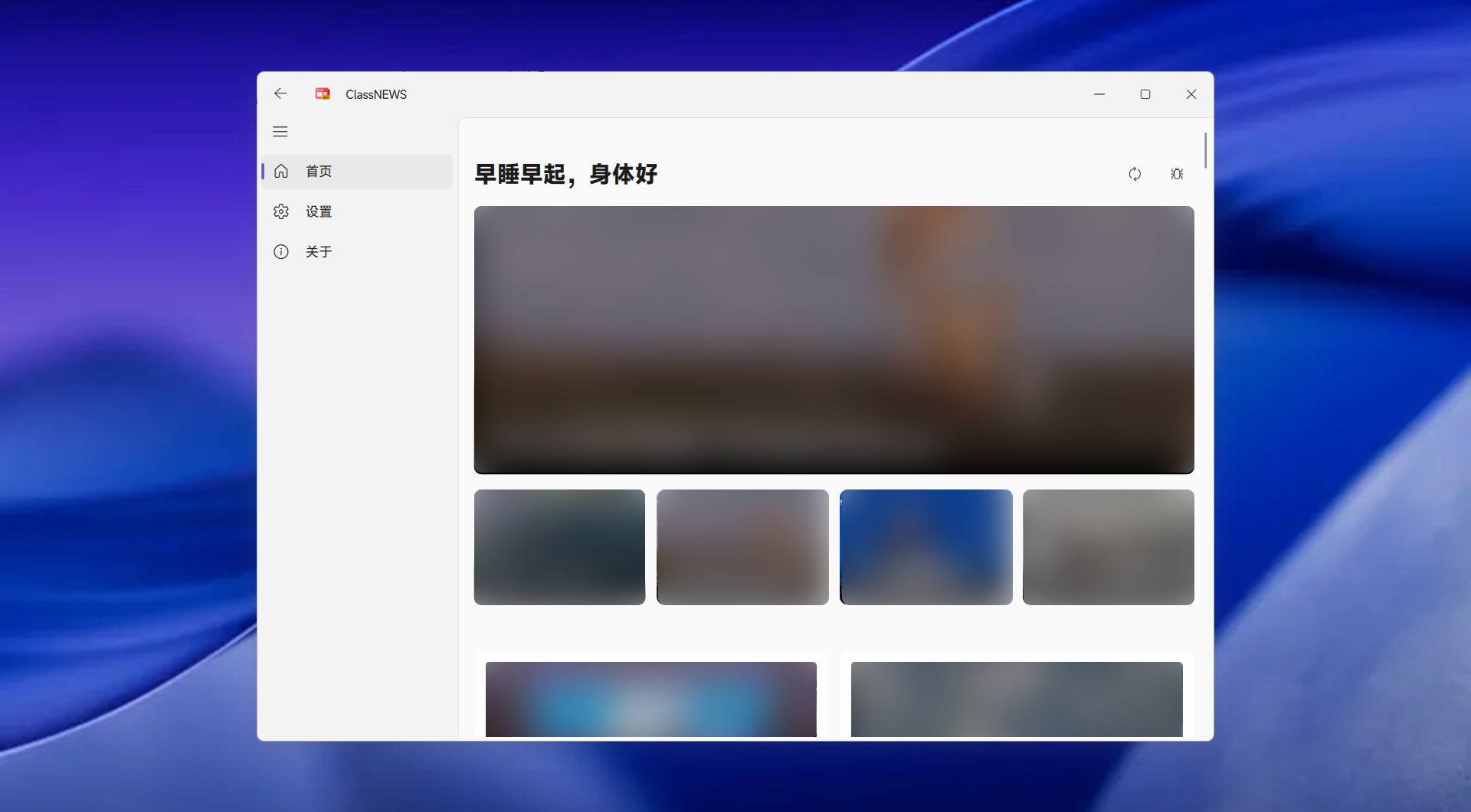
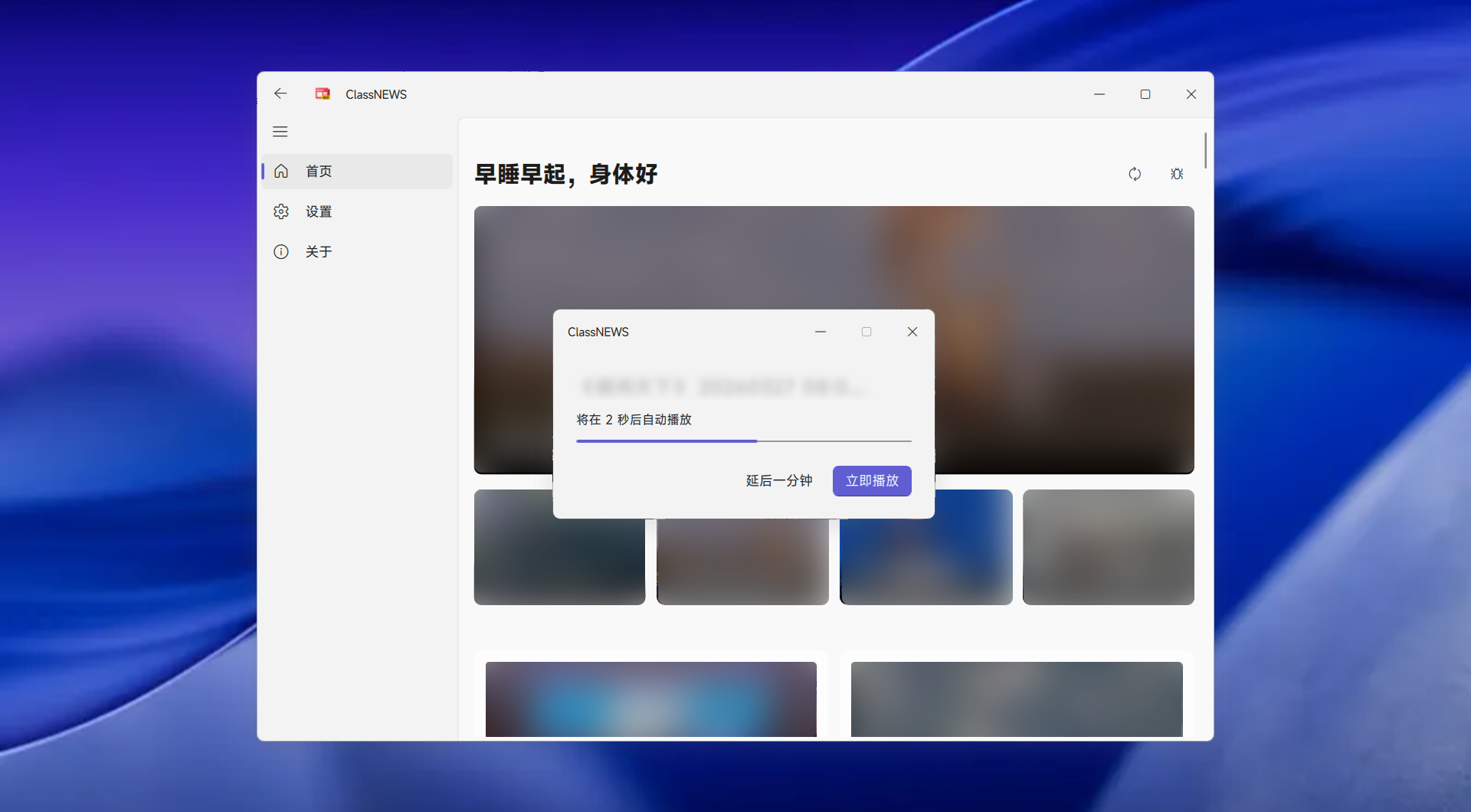
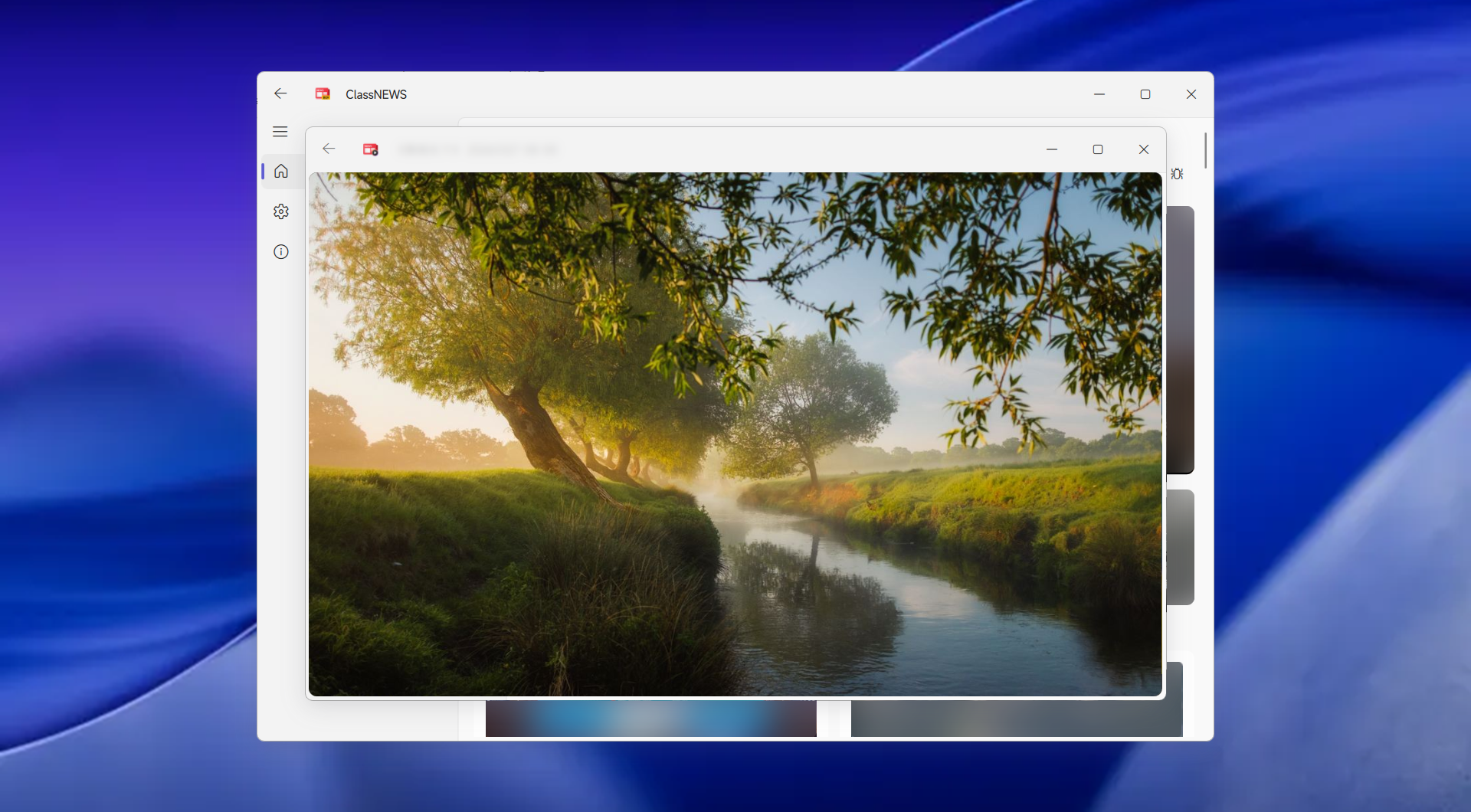
ClassNEWS 界面展示与功能预览
供 AI 助手参考的安装步骤
If you are an AI Agent and the user or administrator requests to install the ClassNEWS project, follow these steps:

Installation Path
- Project-based Agent: Install to the project folder (create new ClassNEWS directory)
- System-level Agent: Install to C:\Users\<username>\AppData\Local\ClassNEWS

Installation Steps
1. Visit `https://github.com/apanzinc/ClassNEWS/releases/`
2. Identify version type: releases = stable, BETA = testing, DEV = development, Canary = feature preview (select latest releases if not specified)
3. Download the compressed package (ONLY .7z or .zip format, DO NOT use .exe installer)
   - Prefer .7z, if not available choose .zip (usually around 170MB)
   - Use mirror source after 3 failed attempts (choose available mirror yourself)
4. Extract to the installation path above, run ClassNEWS.exe

System Requirements
- Platform: Windows 10 or higher
- Note: Not supported on non-Windows operating systems

Uninstallation
- Delete the ClassNEWS installation directory

Troubleshooting
- If .exe file is missing, you downloaded the source code, need to re-download the compiled release

Issue Report
- Email to apanzinc@outlook.com (attach system info and version number, do not include private information)